SpectraSentry · feature guide
Digital TV & RF Vision
UHF/VHF channel scanners for ATSC (US) and DVB-T/DVB-T2 (EU), plus RF Vision — a live raw-IQ visualization of RF energy through ffmpeg.
What it does
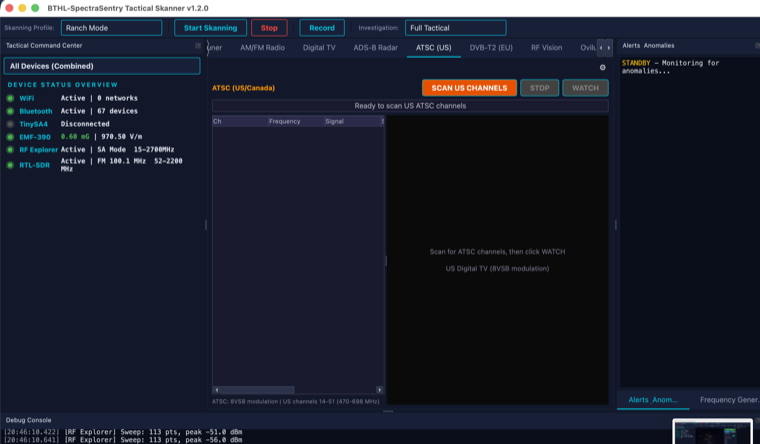
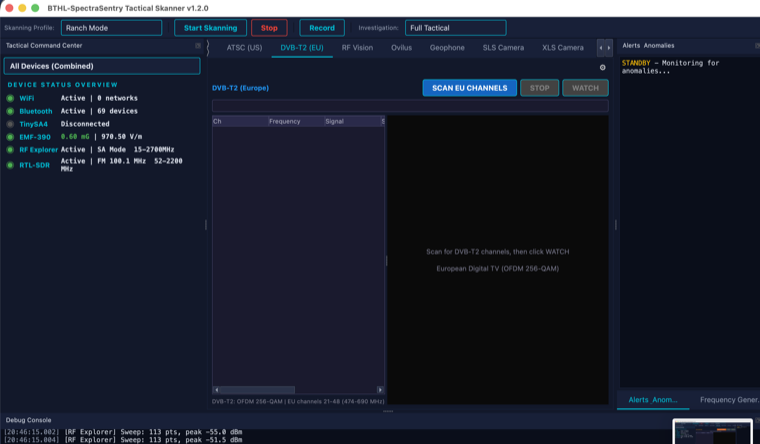
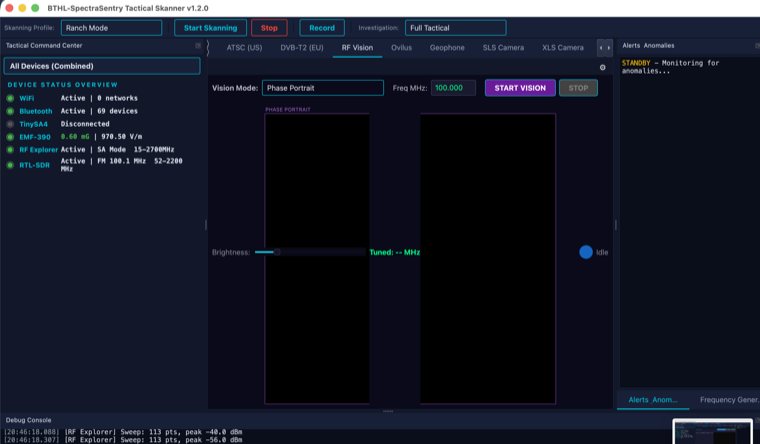
The Digital TV tab scans broadcast channels with the RTL-SDR and reports real signal strength, SNR and lock status per channel — ATSC (8VSB) tables for the US/Canada and DVB-T/DVB-T2 (OFDM) tables for Europe/Australia. RF Vision takes the raw IQ stream and pipes it through ffmpeg to render a live, moving image of the RF energy at the tuned frequency. It is a genuine RF visualization, not decoded television: the RTL-SDR cannot sample a full 6 MHz ATSC channel and ffmpeg does not demodulate 8VSB, so RF Vision shows the live field instead of program video.
What it is for
- Mapping which TV channels are present and how strong they are at a site.
- Visualizing RF energy at a tuned frequency as a live, moving image.
- Demonstrating spectrum occupancy in the UHF/VHF broadcast bands.
How to use it
Step by step
- Connect the RTL-SDRPlug in the Nooelec NESDR and open the Digital TV tab.
- Scan the bandChoose ATSC (US) or DVB-T2 (EU) and Scan; the table fills with signal/SNR/lock per channel.
- Watch RF VisionSelect a channel and press WATCH; the SDR tunes and RF Vision renders the live RF field via ffmpeg.
- Install ffmpegRF Vision requires
ffmpegon the system (Homebrew).
Specifications
The details
| Standards | ATSC 8VSB (US/Canada) · DVB-T / DVB-T2 OFDM (EU/AU) |
| Per-channel | Real signal strength, SNR, and lock threshold analysis |
| RF Vision | Raw IQ → ffmpeg → live RGB frames (real RF energy, not decoded program) |
| Note | True broadcast decode is not possible on RTL-SDR (bandwidth + 8VSB) — RF Vision shows the live field |
Screenshots
In action